


Smart Scheduling for Your Entire Ecosystem.
Stop juggling external booking apps and disconnected team calendars. Share schedules, check real-time availability, and let external guests book time with you—all natively integrated into Cloudeey. Replace Calendly, Google Calendar, and every other scheduling tool cluttering your workflow with one unified calendar that lives right inside your business ecosystem.
- Unified Team Calendar
- External Guest Booking
- Smart Availability
- Global Timezone Support
Cancel your Calendly subscription.
From internal team stand-ups to external client kickoffs, manage your entire schedule in one unified place. Seamlessly connect your meetings to CRM contacts and active projects without ever switching apps. No more juggling between Calendly for client bookings, Google Calendar for team events, and yet another tool for meeting reminders. Cloudeey Calendar brings everything together—your team’s availability, your clients’ booking preferences, and your project timelines—into a single, intelligent scheduling hub that lives right inside the ecosystem you already use every day.
Everything you need to own your schedule
Six powerful scheduling features that replace your entire calendar stack. Built on top of Cloudeey’s integrated CRM, project management, and communication platform.
Your Team’s Time, Visualized.
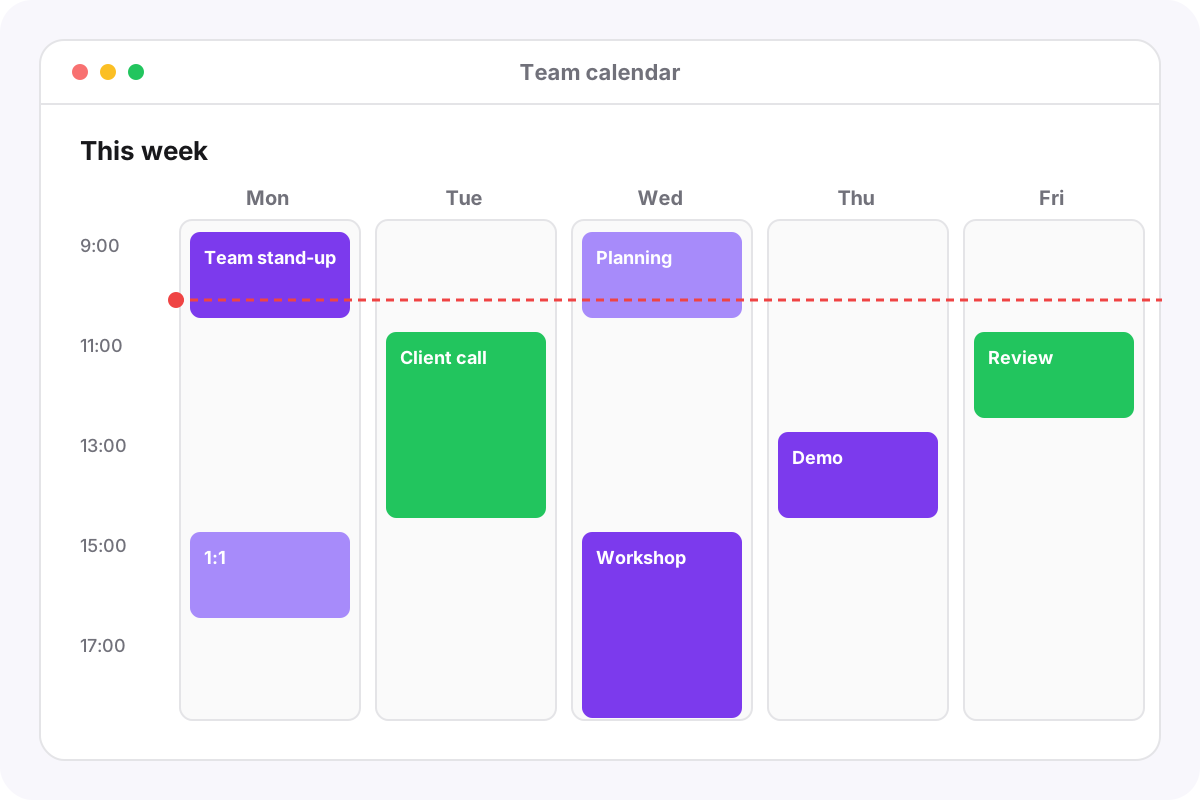
Access beautiful Month, Week, and Day views that give you complete visibility into your organization’s schedule at a glance. Filter by specific team members to coordinate schedules instantly, create events with rich details, track attendees and RSVPs, and manage your entire organization’s day without the noise. Color-coded calendars make it effortless to distinguish between departments, project meetings, and personal blocks. Whether you’re running a five-person startup or a 500-person enterprise, Cloudeey’s team calendar scales to fit the way your team actually works.
- Month, Week & Day views — Switch perspectives with a single click
- Team member filters — See exactly who’s busy and who’s free
- Color-coded organization — Distinguish departments and project types instantly
Frictionless Client Scheduling.
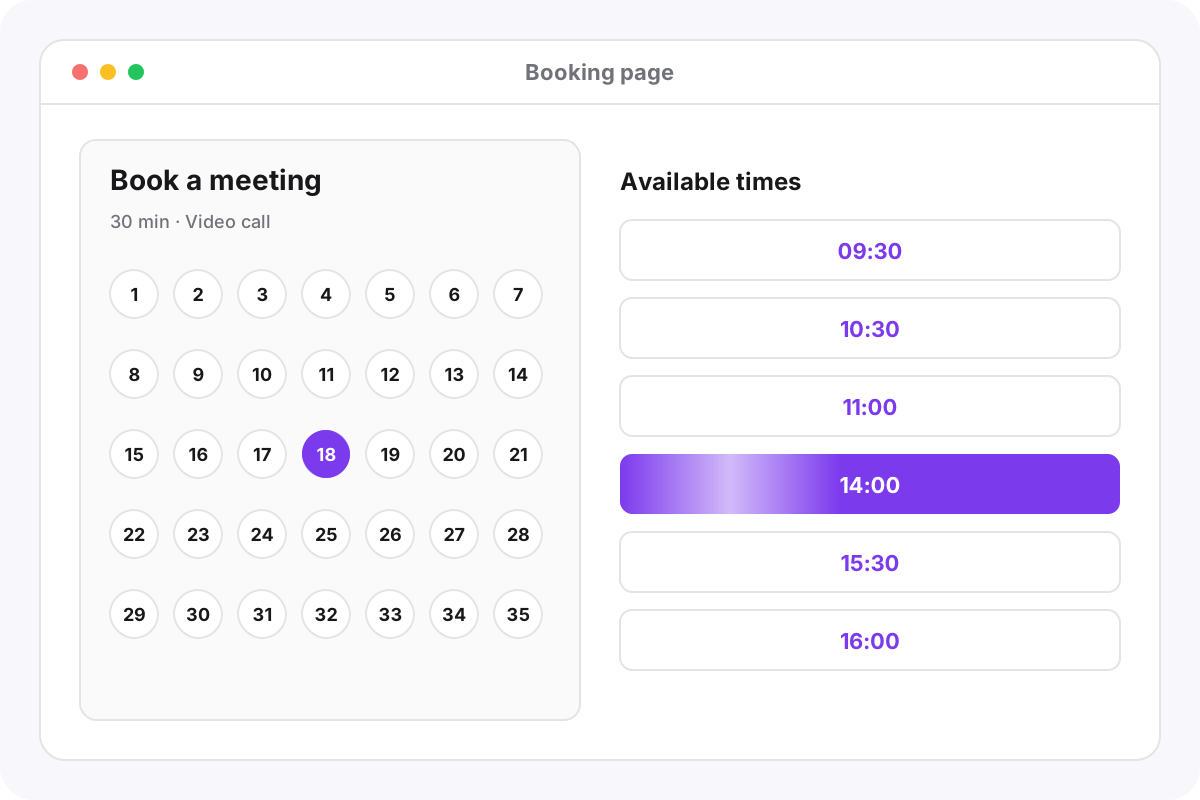
Generate shareable, professional booking links that represent your brand beautifully. External guests view a branded page showing only your available time slots, allowing them to book a meeting in seconds without needing a Cloudeey account. No back-and-forth emails, no phone tag, no friction. Your clients simply pick a time that works, enter their details, and the meeting is confirmed instantly. The booking page is fully customizable—add your logo, choose your brand colors, set buffer times between meetings, and define exactly which time slots are available for external bookings versus internal team time.
- Shareable booking links — One link for clients to self-schedule meetings
- Branded booking pages — Custom logo, colors, and messaging
- No account required — Guests book in seconds without signing up
Never Double-Book Again.
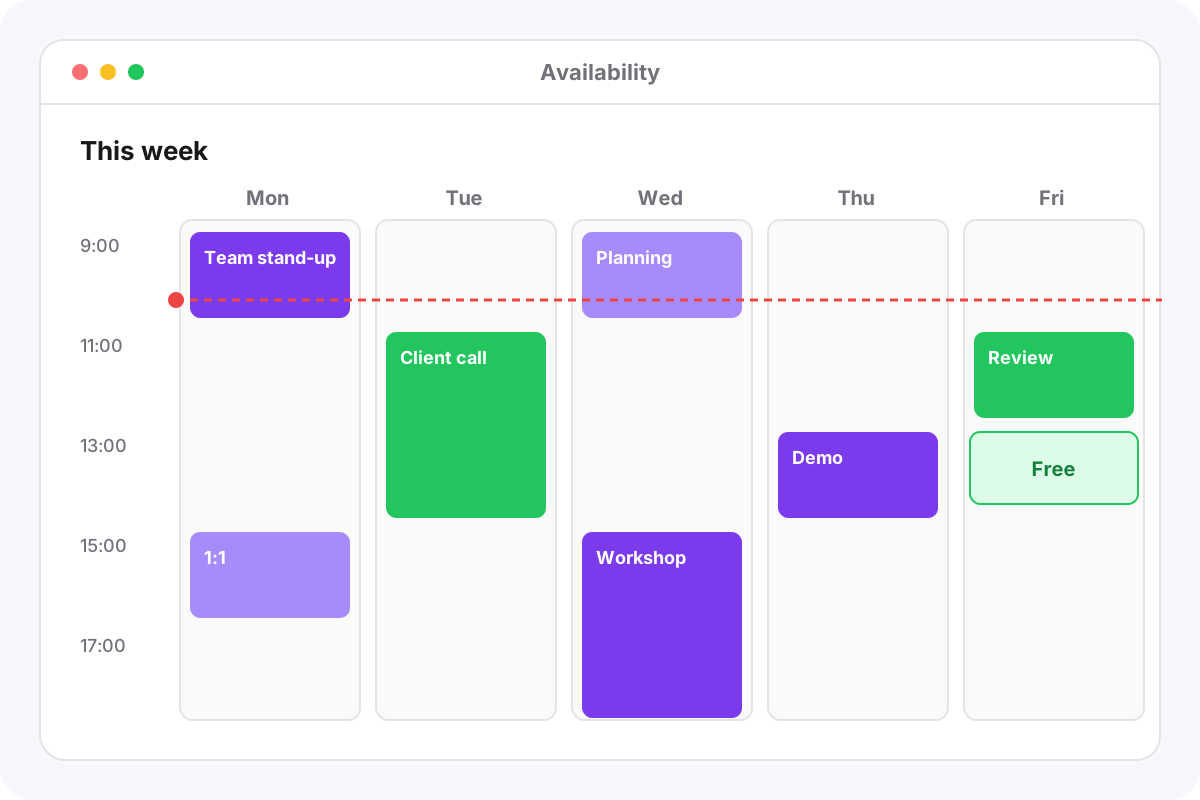
Adding team members to an event? Our real-time availability checker instantly shows you who is free and who is busy at your chosen time, completely eliminating scheduling conflicts before they happen. The visual overlay makes it crystal clear when everyone’s calendars align, so you can find the perfect meeting window in seconds instead of spending twenty minutes cross-referencing schedules. Smart conflict detection runs in the background every time you create or modify an event, warning you immediately if a time slot overlaps with any attendee’s existing commitments. It’s like having a scheduling assistant that never sleeps.
- Real-time availability — Instantly see who’s free at any given time
- Conflict detection — Automatic warnings for overlapping events
- Visual overlay — Compare multiple calendars side by side
Built for Global Teams.
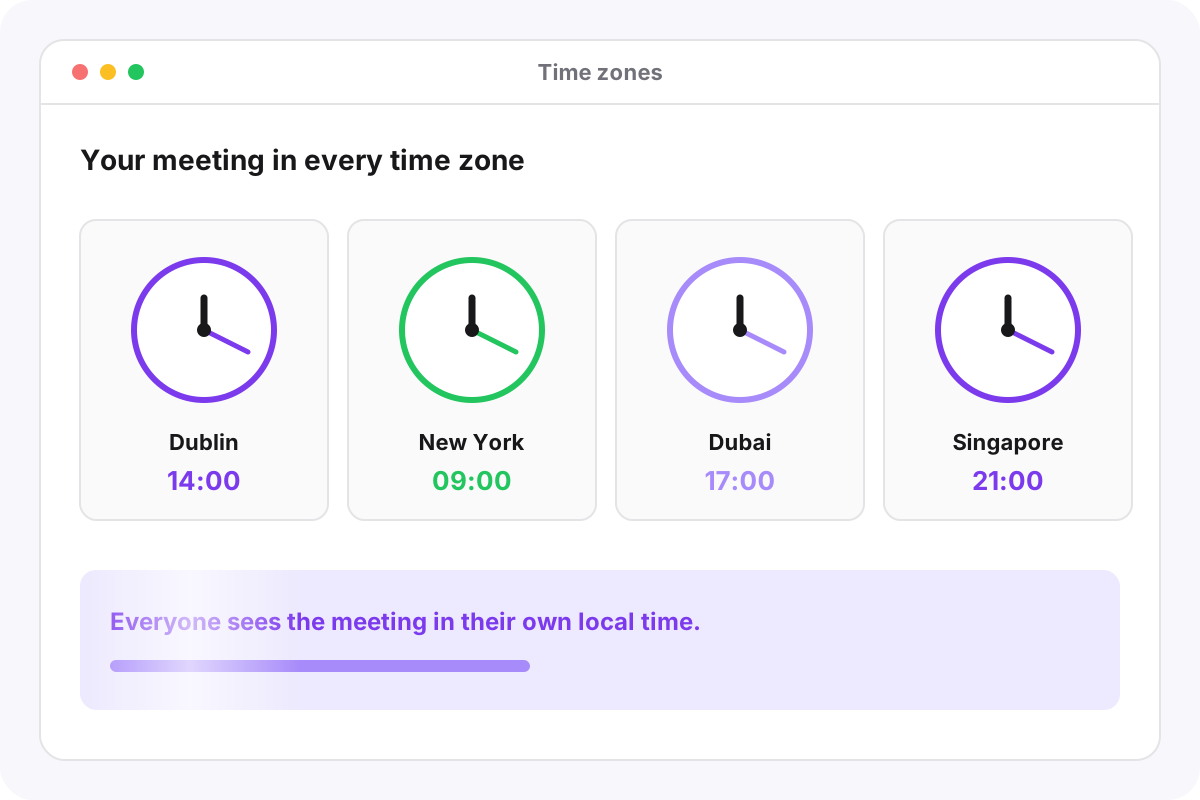
Whether it’s an internal rep in New York or a guest in London, Cloudeey handles the math. The calendar auto-detects guest timezones and adjusts all events so everyone sees the correct local time—no confusion, no missed meetings, no 3 AM calls that should have been at 3 PM. When creating events with international attendees, Cloudeey displays each participant’s local time right in the event creation flow, so you can make sure 2 PM your time isn’t midnight theirs. For distributed teams working across continents, this is the difference between seamless collaboration and constant timezone headaches.
- Auto-detect timezones — No manual entry for guest locations
- Local time display — Everyone sees events in their own timezone
- Multi-zone scheduling — Find times that work across continents
Keep Everyone in the Loop.
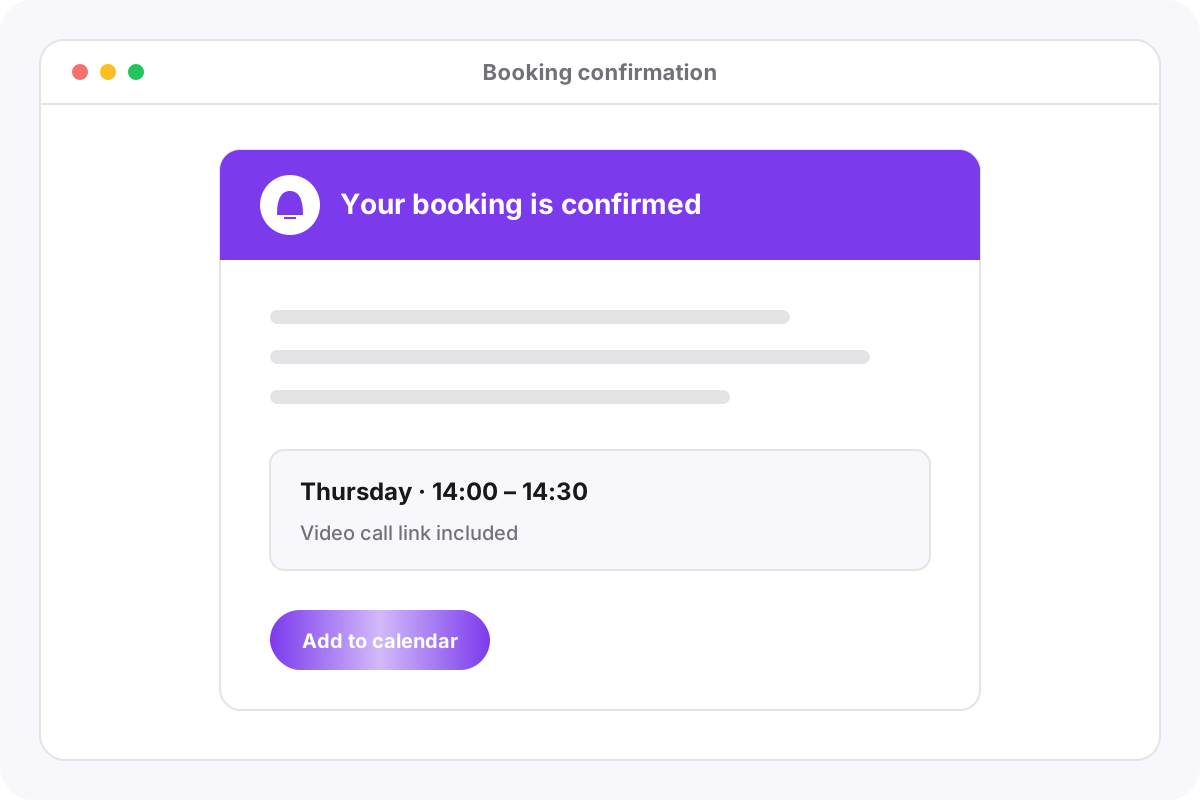
Send professional, Cloudeey-branded email invitations and confirmations automatically the moment an event is created. Real-time in-app alerts notify attendees and admins when events are created, updated, rescheduled, or cancelled. No more manually sending meeting invites or chasing RSVPs. Your calendar events generate beautifully designed notification emails that reinforce your brand—complete with your logo, company colors, and a direct link to the event details. Attendees can confirm, decline, or propose a new time right from the notification, keeping the scheduling loop tight and efficient.
- Branded email invites — Professional notifications with your logo and colors
- Real-time in-app alerts — Instant notifications for event changes
- One-click RSVP — Confirm, decline, or reschedule from the email
Secure and Customizable Permissions.
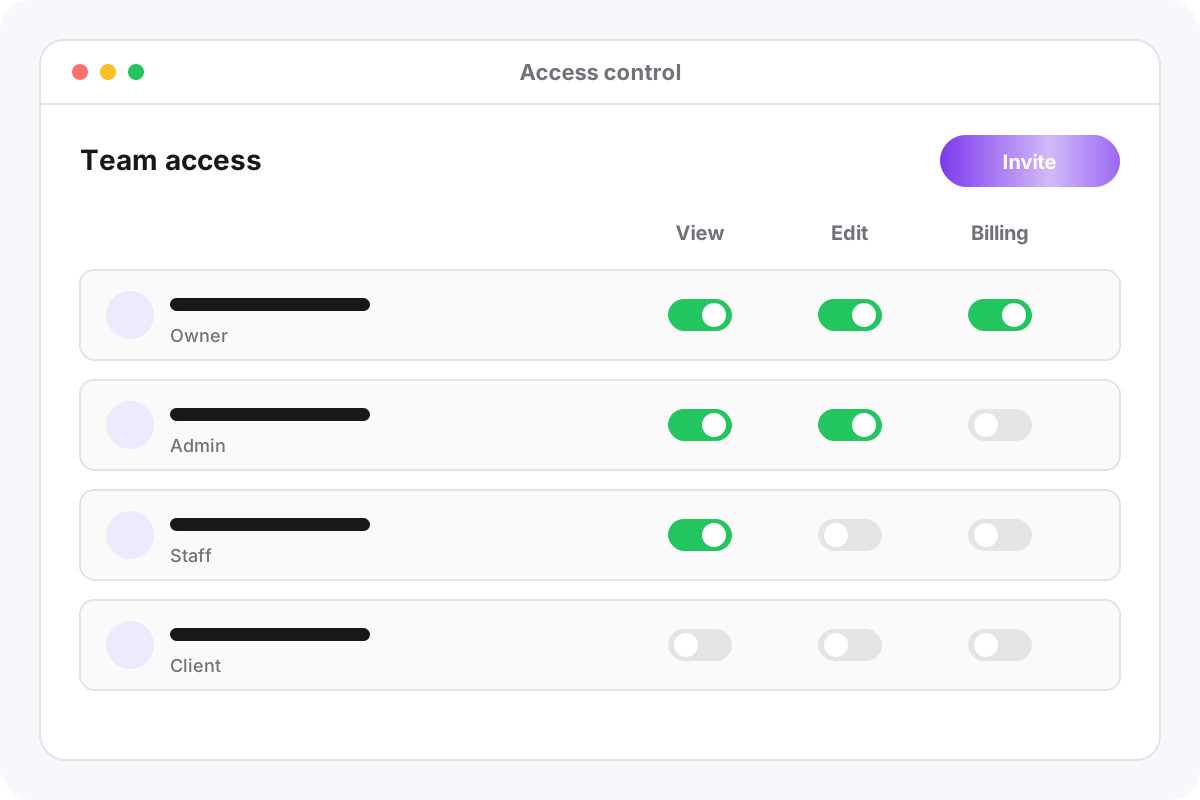
Organization admins maintain total oversight of the entire calendar ecosystem. Use robust role-based access to control who can view the calendar, who can book meetings for themselves, and who has permission to schedule on behalf of others. Executive assistants can manage their manager’s calendar, team leads can coordinate department schedules, and individual contributors can focus on their own time—all with clearly defined boundaries. Built on Cloudeey’s enterprise-grade RBAC system, calendar permissions integrate seamlessly with your existing organizational roles, so there’s no separate permission system to configure or maintain.
- Role-based permissions — Fine-grained control over calendar access
- Delegate scheduling — Schedule meetings on behalf of others
- Admin oversight — Full organizational visibility for leadership

Ready to take control of your time?
Join the forward-thinking teams using Cloudeey to streamline their schedules, projects, and contracts. Drop the Calendly subscription, ditch the disconnected Google Calendars, and bring your entire scheduling workflow into the ecosystem that already runs your business.